Turn exam objectives into practice
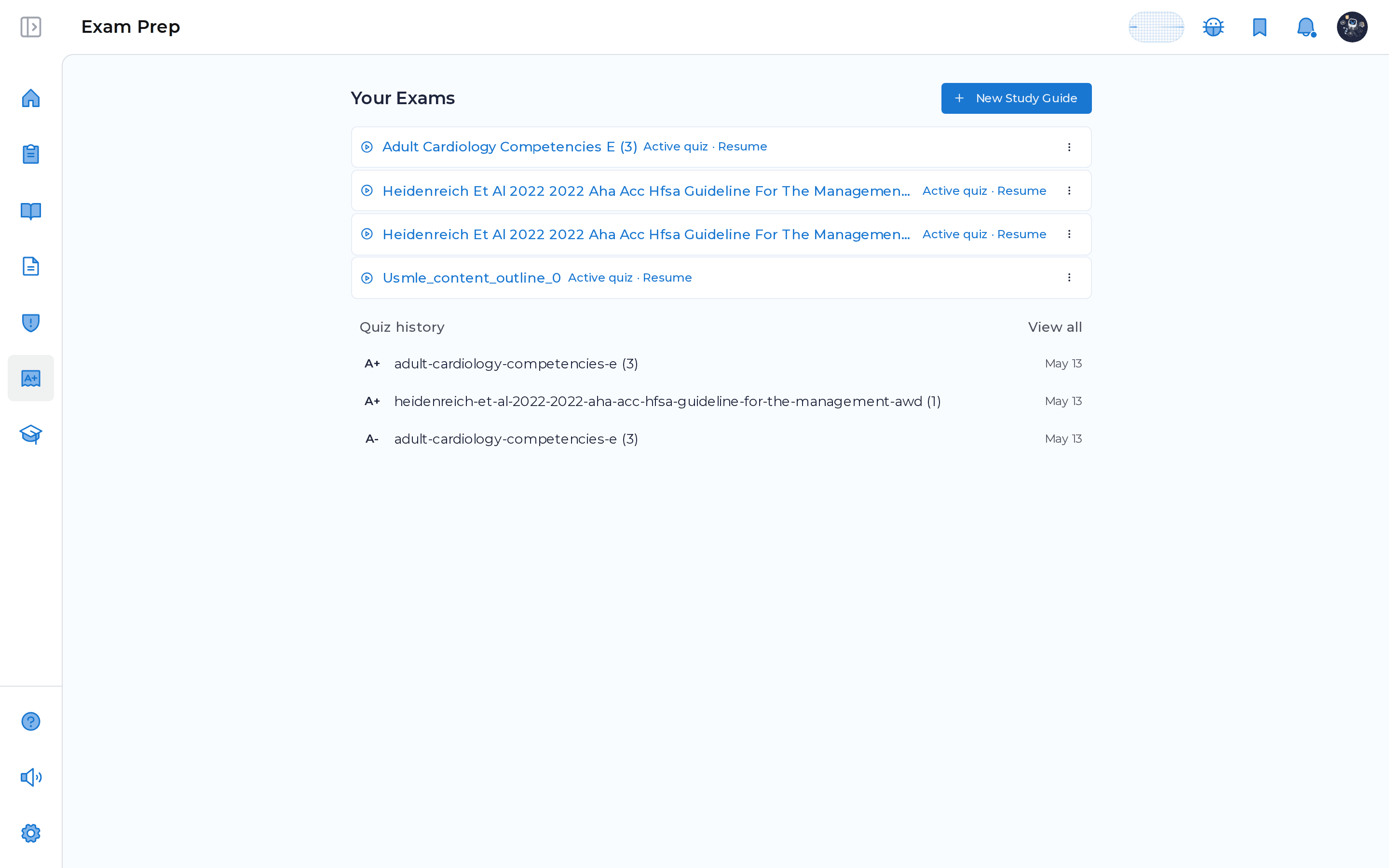
MDProgress turns an exam outline into a working study system. Upload a syllabus, exam outline, or course document, or type a topic list by hand, and it pulls out the learning topics, finds journal articles behind each one, and builds quizzes from that pool. You practice real questions, see how you did topic by topic, and get follow-up quizzes aimed at the areas you found hardest.
Why it helps
Keeping up stops being a project
Start from the outline you already have
Drop in your syllabus PDF or paste a topic list. MDProgress reads it, extracts the topics and subtopics, and gathers source articles for each, so you skip straight to studying.
Practice the actual questions
Each topic becomes a set of multiple choice questions drawn from its source articles, so you are answering on the material, not memorizing a slide deck.
See exactly where you stand
Every session is scored and broken down topic by topic, so you can tell at a glance which areas are solid and which need another pass.
Spend your time on the weak spots
Follow-up quizzes lean toward the topics you struggled with, so each round of practice is pointed at what is still shaky rather than what you already know.
What it does
Everything in one place
Built from your material
Upload a syllabus, exam outline, or course document, or enter topics manually, and MDProgress builds the study guide around it.
Grounded in real articles
Each topic is backed by journal articles you can open and read, and the quiz questions come from that same pool.
Scored topic by topic
See an overall result plus a per topic breakdown, so you know precisely where to focus next.
Pick up where you left off
Sessions are resumable, so a quiz interrupted between patients waits for you exactly where you stopped.
Practice the actual questions
Each topic becomes multiple choice questions drawn from its source articles. Answer one and you see the explanation and the source right away, getting credit for first-try answers, with every topic scored so a session doubles as a map of what to study next. The work counts toward your CME record along the way.
Which next step is best supported for a low-risk finding identified during routine screening?
Frequently asked questions
What can I upload to build a study guide?
A syllabus, an exam outline, or a course document as a PDF works, and MDProgress will read it and pull out the topics. If you would rather not upload a file, you can name your exam and type the topics in by hand instead.
Where do the quiz questions come from?
For each topic, MDProgress finds supporting journal articles and builds the questions from that pool. Every question is tied to a source article you can open and read right beside it.
What happens after I finish a quiz?
You get an overall score plus a topic by topic breakdown, so you can see which areas held up and which did not. From there MDProgress can generate a follow-up quiz weighted toward the topics you found hardest.
Can I stop partway through and come back?
Yes. Sessions are resumable, so you can leave a quiz and pick it up later right where you stopped. There is one active quiz per exam at a time, which keeps a study plan focused rather than scattered across half finished sessions.
See it in your own specialty
Set up your specialty and scope in a couple of minutes and MDProgress starts fitting the way you practice. Your first month is free, with no payment today.